
This article covers these topics:
Logging in
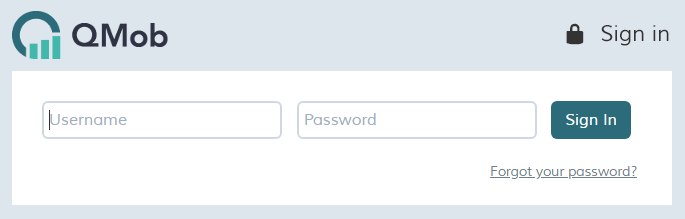
To log in to QMob:
- In your web browser, access the dashboard web interface with the following link: https://myqmob.com
- Enter your username and password in the corresponding text fields.
- Click sign in.
Please note: if you are the owner of a QMob branded instance the dashboard address will be in the format https://<branded_instance>.myqmob.com
Forgot your password?
If you have forgotten your password, simply enter your username and then click forgot your password. You will be sent an email to your registered email address; click the link in the email message to create a new password.
Logging out
To log out of QMob:
- At the top of the screen, click your user name.
- In the drop-down menu, click log out.