This article covers these topics:
About detailed info message
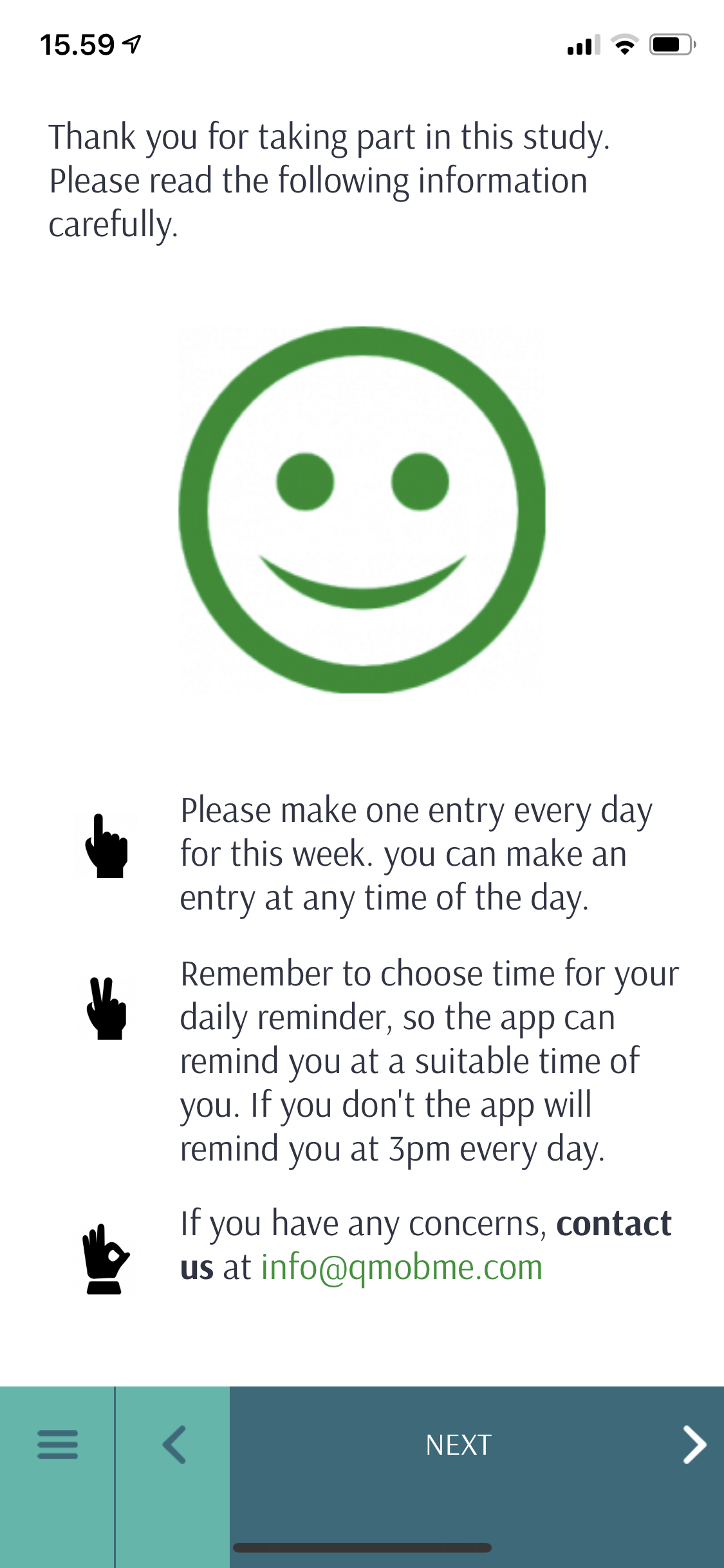
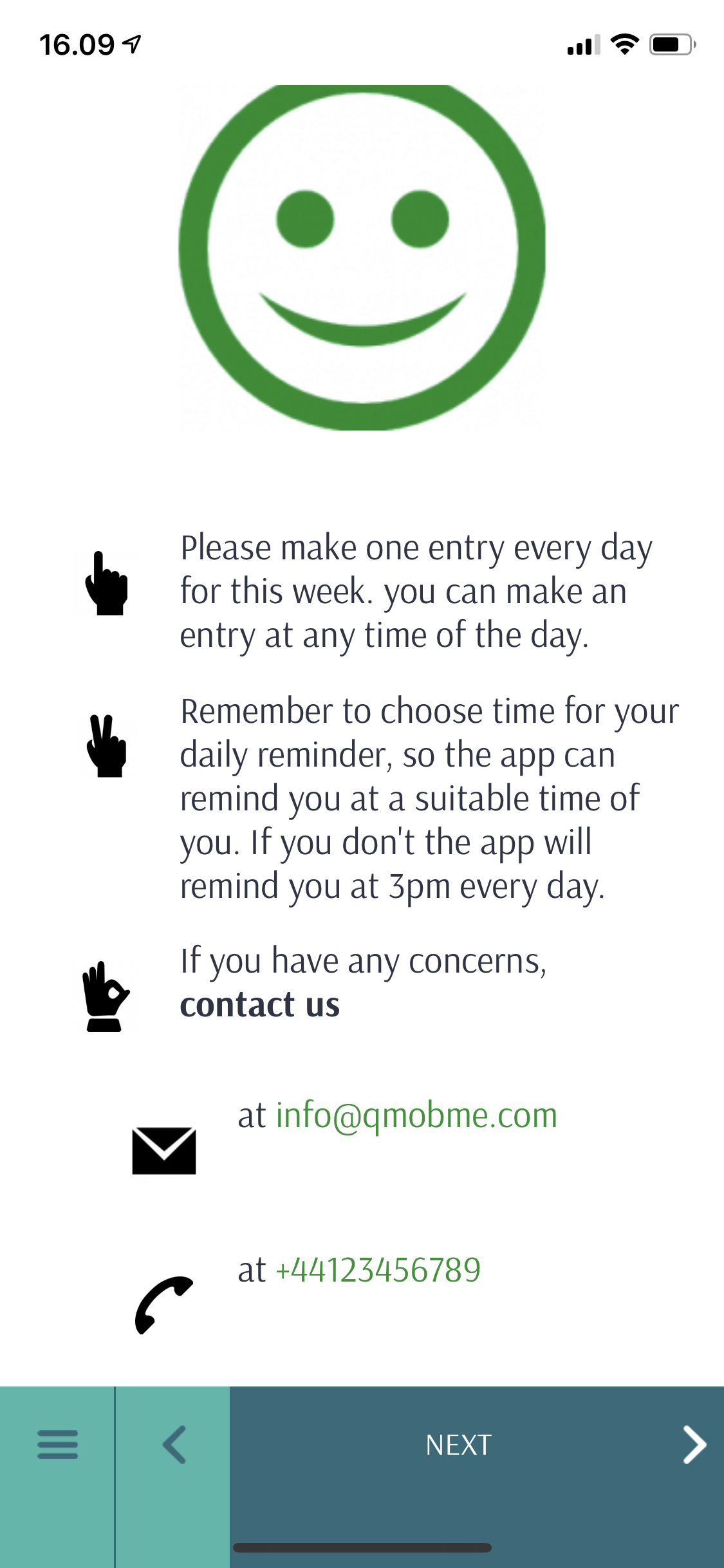
Detailed info message presents an information screen with an image and multiple icons. It can be used to display long articles, as it is presented in an easy to read format.
The various options for this questions are described below. Once you have finished creating or editing your question, you will need to save it to continue editing your project. To do so, simply click done/Save.
Managing Paragraphs
You can add as many paragraphs as needed, by clicking 'Add Paragraph'. Each paragraph can be indented to be displayed as a child point and every paragraph can have its own icon.
Question options
This question does not expect any answer, so the Next button will always be enabled like the case in Info Message.
| Option |
Description |
| Disable back button | Prevents the respondent from going back to previous questions |
| Next button options |
Always show - Next button is shown right away. Delay for - Allows delaying of the Next button so it appears 'X' seconds after arriving at the question. |
What it looks like in the app