
Project Priority influence the order the projects in the Home Screen (also known as the Survey List) for the respondent. This comes in handy when the respondent is assigned to more than one project, and you would like to display the projects in certain order.
Setting Project Priority
You can set the priority when you create the project from the first dialogue

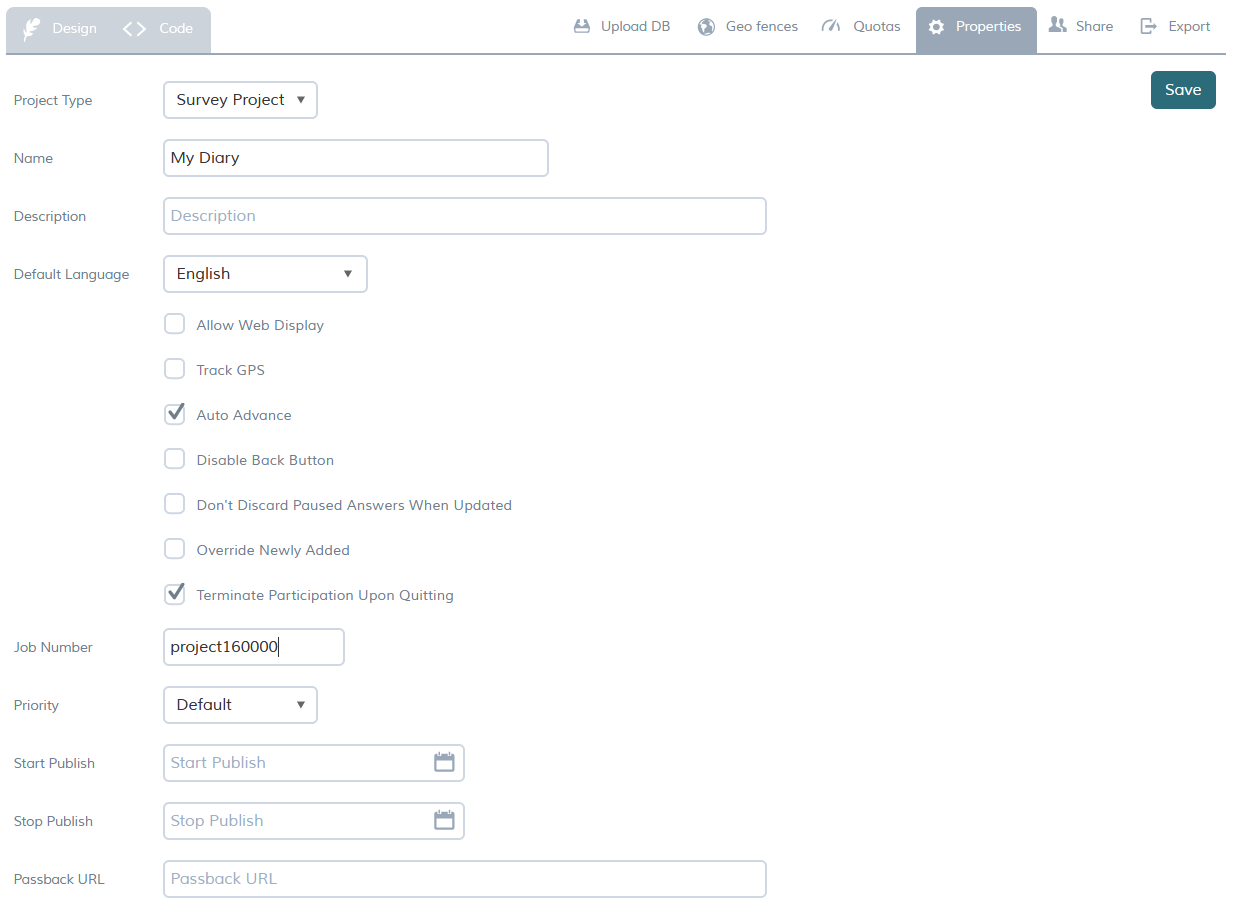
or later from the Project Properties. If the project is live, you must stop it before you can change the priority.
The Home Screen shows each of these priorities under different header
| Priority | Impact |
| Default | follows the project id; oldest assigned project shows at the top. |
| 1 | Highest priority; shows at the top |
| 2 | Middle priority; shows among "My Projects" before Priority 3. |
| 3 | Least priority; shows among "My Projects" before projects with default priority. |
What happens when more than one project have the same priority?
Within the same priority, projects follow the default order that is the project id. Oldest assigned project shows at the top.